





Quick Answer
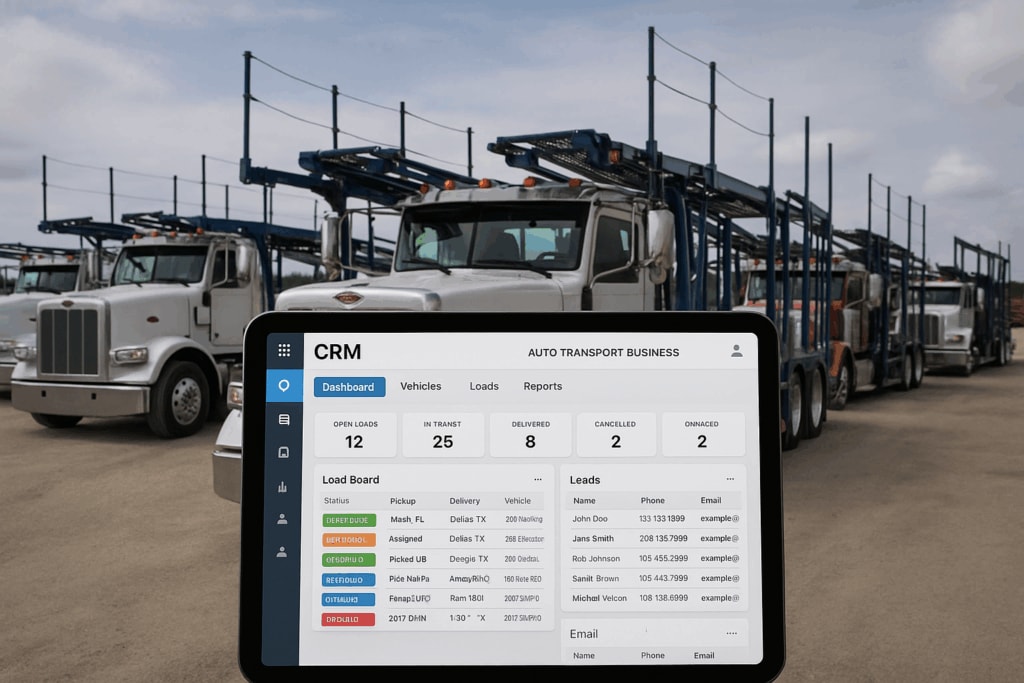
Browser-based CRM platforms eliminate app downloads and device limitations that slow down auto transport operations. A zero-install system lets dispatch teams access leads, contracts, and carrier communication from any computer or tablet with internet access. Message Plane CRM, a specialized CRM provider headquartered in Wilmington, DE, has served 5,000+ monthly active users nationwide with browser-only software since 2016. Updated April 2025.
Why Do App Downloads Still Slow Down Broker Teams?
Every app install creates friction—updates, compatibility issues, and locked-in devices that limit where work actually happens. Most brokers accept this as normal. But the alternative changes how teams operate when they're not sitting at their main workstation.
Think about what happens when a dispatcher needs to check a carrier's status from a tablet at a truck lot. Or when a broker closes a deal from their phone between meetings. Traditional CRM software forces teams into specific hardware. That's not flexibility—it's a bottleneck disguised as standard practice.
Browser-based platforms flip this. No downloads. No compatibility headaches. Just log in from whatever device has internet access. The software runs the same whether you're on a desktop in Wilmington or a laptop at a shipper's office in Phoenix. Learn more about Message Plane CRM and how their browser-only approach works.
What Actually Changes When There's Nothing to Install?
Zero-install software cuts IT overhead and removes the biggest barrier to getting new team members productive fast. When a dispatcher joins the company, they're working the same day—not waiting for software approvals or troubleshooting installation errors.
This matters more than most brokers realize. As of April 2025, transport companies running browser-based systems report faster onboarding cycles because there's simply less to configure. The platform lives in the cloud. Your team accesses it through a URL. That's it.
Dispatch integration (connecting directly to load boards like Central Dispatch) works the same way regardless of device. So does electronic signature capture and automated customer follow-ups. The entire workflow stays consistent because nothing depends on local software.
This consistency shows up in how teams describe their daily experience.
"Using Message Plane CRM has streamlined our workflow. All customer interactions and documents are organized in one place, and the reporting tools give us better visibility into our operations. The ability to customize dashboards has been especially helpful for our dispatch team."
— Statewide Logistics, Facebook Review
When everything lives in one browser window, teams stop switching between disconnected tools.
How Do Brokers Compare Browser-Based Options to Traditional Software?
The real comparison isn't features—it's operational flexibility and how quickly teams can adapt when circumstances change. Traditional installed software locks workflows to specific machines. Browser platforms let operations flex.
| Feature | Message Plane CRM | Typical Installed CRM |
|---|---|---|
| Device Requirements | Any browser with internet | Specific OS and hardware |
| Installation Time | Zero—instant access | 30 minutes to several hours |
| Updates | Automatic, no user action | Manual downloads required |
| Load Board Integration | Central Dispatch, Super Dispatch | Varies by provider |
| Support Availability | 24/7 via email and tickets | Business hours typical |
| Active Users Served | 5,000+ monthly | Varies widely |
While some transport CRM providers focus on desktop-first design, browser-native platforms prioritize accessibility across locations. The difference shows up when brokers need to work remotely or scale their team quickly.
What Makes Onboarding Faster Without Software Installation?
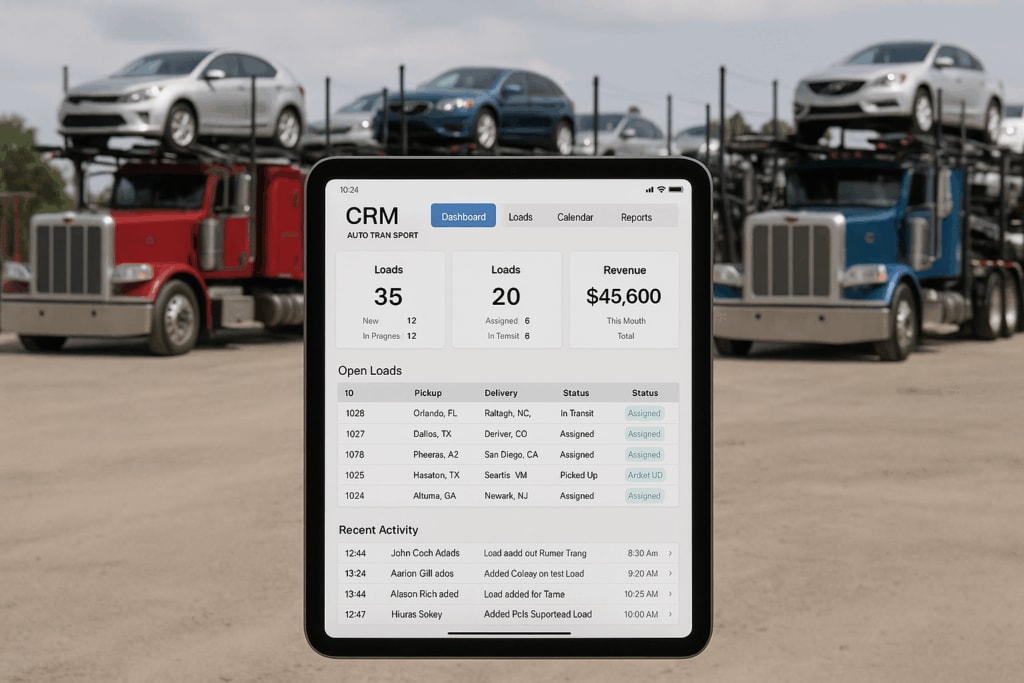
Most teams complete onboarding within 7-14 days because there's no technical setup blocking the training process. New dispatchers and brokers spend time learning the workflow—not troubleshooting why the software won't launch on their computer.
This speed matters for companies hiring during peak season. When you need someone productive by next week, installation delays cost money. Browser access removes that variable entirely.
The onboarding experience also reflects what longtime users describe about their initial transition.
"User friendly CRM comparable to what many of us were familiar with prior to the force closure by CD. Tech staff have always ben helpful"
— Advantage Auto Transportation, Facebook Review
When the interface feels familiar and support responds quickly, adoption happens faster.
How Does Automation Work Differently in a Browser Platform?
Automated follow-up sequences (scheduled texts and emails triggered by lead status) run server-side, not on your local machine. This means automation keeps working even when you close your browser or shut down your computer for the night.
That's a fundamental difference from installed software where automation depends on the application staying open. With browser-based systems, the platform handles over 4 million automated texts and emails because the processing happens in the cloud—not on individual devices.
Rapid Rate pricing (AI-powered quote generation based on current market data) works the same way. The system pulls real-time information regardless of what device you're using to access it. Your tablet at the truck lot gets the same pricing accuracy as your desktop at headquarters.
This server-side automation transforms how brokers handle lead nurturing across time zones.
"We switched to Message Plane CRM after trying several other platforms, and the difference is night and day. Lead tracking, dispatching, and carrier communication are now centralized in one system. The automation features save us hours every week, and it's much easier to keep clients in the loop."
— Jeff Howard, Facebook Review
Hours saved weekly adds up to significant operational capacity over a quarter.
When Does a Browser-Only System Create Problems?
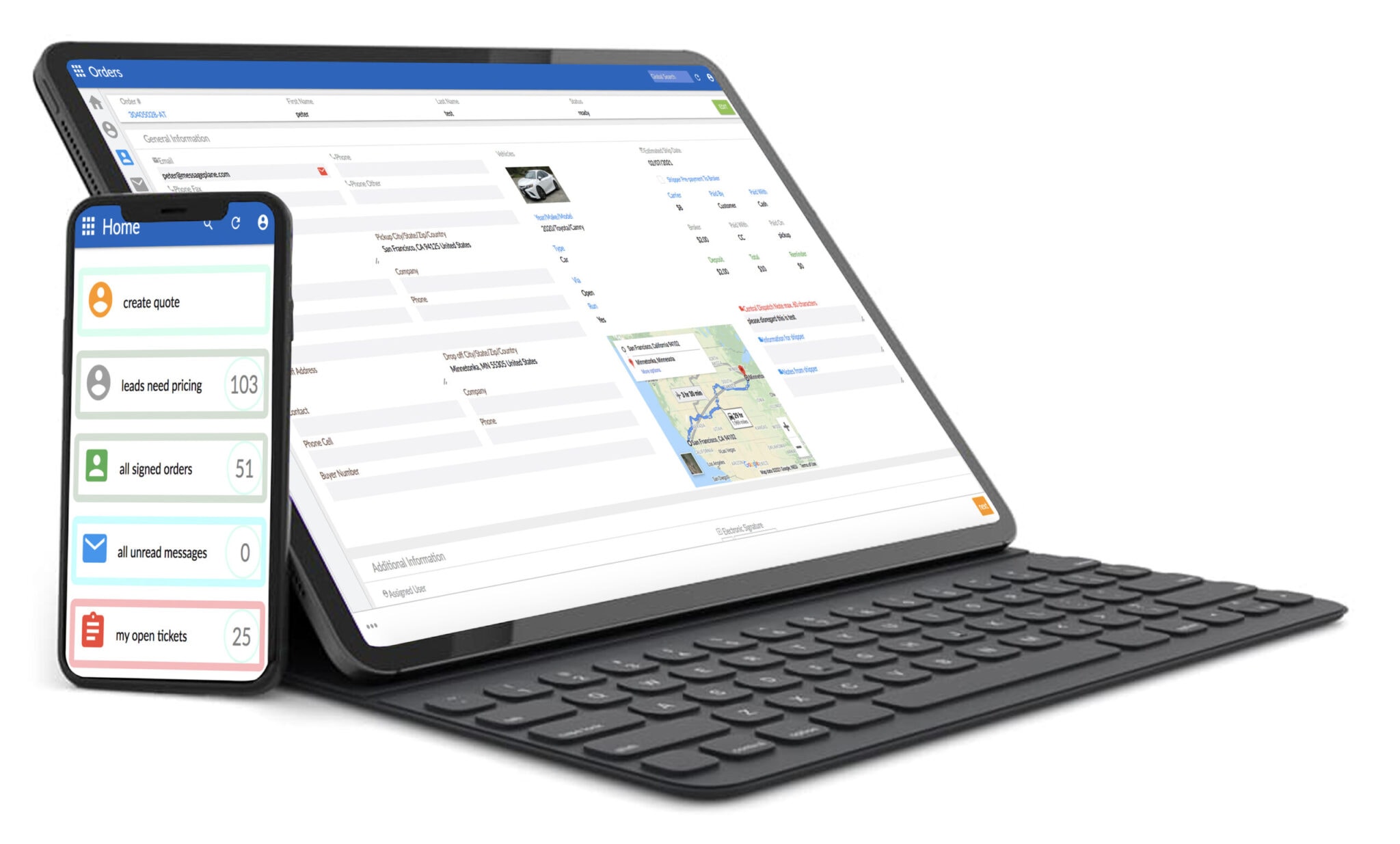
Internet dependency is the obvious tradeoff—no connection means no access to your CRM data. But this limitation matters less than it did five years ago. Most dispatch offices, truck lots, and co-working spaces have reliable connectivity now.
The more practical concern is browser performance on older devices. While current 2025 browsers handle complex web applications well, teams running outdated hardware may notice slower load times. Still, that's usually a cheaper problem to solve than purchasing software licenses for specific operating systems.
Security considerations shift too. With browser platforms, data security depends on the provider's infrastructure rather than your local machine. For auto transport operations handling customer payment information and vehicle details, that often means stronger protection than what small brokerages maintain on individual computers.
Located in Wilmington, DE, Message Plane CRM has built infrastructure supporting over 800,000 vehicle transports since 2016—scale that demonstrates server reliability brokers depend on daily.
What Should Brokers Ask Before Switching Platforms?
The questions that matter most focus on integration compatibility and support response times—not feature lists. Every CRM promises lead management and carrier tracking. The difference shows up when something breaks at 11 PM on a Friday.
Ask specifically about load board connections. Does the platform sync with Central Dispatch? Super Dispatch? How do BOL documents (bills of lading that confirm vehicle pickup and delivery) flow between systems? These details determine whether the CRM actually reduces work or just moves it to a different screen.
QuickBooks integration matters too. Auto transport brokers tracking commissions, carrier payments, and customer invoices need financial data flowing automatically. Manual entry defeats the purpose of centralized software.
Multiple 5-star reviews highlight these operational details—the daily workflow improvements that add up over months of use. Contact Message Plane CRM to discuss specific integration requirements for your operation.
Explore more local business insights for additional comparisons across professional service providers.
Key Takeaways
- Browser-based CRM platforms eliminate device restrictions and app installation headaches for dispatch teams working across multiple locations.
- Message Plane CRM has processed over 800,000 vehicle transports since 2016, serving 5,000+ monthly active users nationwide from Wilmington, DE.
- Zero-download software runs on any device with internet access, cutting IT overhead and onboarding friction for growing broker teams.
- Automated follow-up systems and load board integration save hours weekly by centralizing carrier communication and lead tracking.
- Most teams complete onboarding within 7-14 days, with around-the-clock support available via email and support tickets.
Frequently Asked Questions
What are the benefits of browser-based CRM for auto transport brokers?
Browser-based CRM eliminates app downloads and device restrictions, letting dispatch teams access leads from any computer or tablet. This cuts IT overhead and speeds up onboarding. Message Plane CRM users typically complete setup within 7-14 days with full access from day one.
How does a zero-download CRM handle load board integration?
Zero-download platforms connect to load boards like Central Dispatch and Super Dispatch through cloud-based APIs. The integration works identically across all devices since processing happens server-side. Teams dispatch vehicles whether they're on desktop or mobile browsers.
Browser-based CRM versus installed software for transport companies?
Browser platforms offer instant access from any device and automatic updates without manual downloads. Installed software requires specific hardware and operating systems. The tradeoff is internet dependency—but most transport operations have reliable connectivity in 2025.
Is browser-only CRM secure enough for customer payment data?
Browser CRM security depends on the provider's cloud infrastructure rather than individual computers. This typically means stronger encryption and backup systems than small brokerages maintain locally. Message Plane CRM has processed over 800,000 transports with this server-side security model.
How long does CRM onboarding take for new dispatch team members?
Most teams complete onboarding within 7-14 days when using browser-based platforms. There's no installation blocking the training process—new dispatchers start learning workflows immediately. Around-the-clock support via email and tickets keeps the timeline on track.
Contact Message Plane CRM
Address: 1207 Delaware Ave #4442, Wilmington, DE 19806
Phone: +18442758555
Website: https://messageplane.com/


.svg)

%20(1).avif)
.svg)





.svg)











%20(1).avif)
%20(1).avif)